
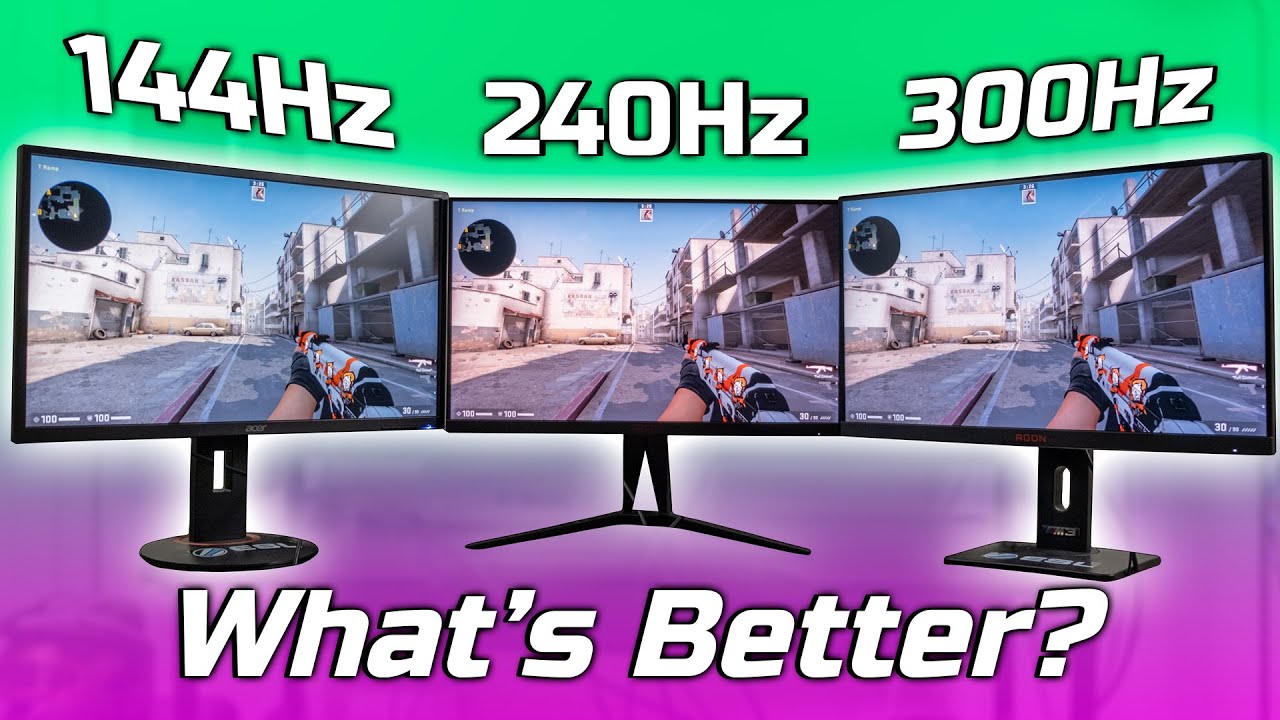

In recent years, the gaming and tech communities have witnessed a significant shift in monitor technology, primarily focusing on refresh rates. Terms like 60Hz, 144Hz, and 240Hz are now commonplace, but what do they really mean for the average user, and is upgrading to a higher refresh rate monitor worth it? This comprehensive guide explores the benefits and drawbacks of moving to a 144Hz or 240Hz display, helping you determine whether such an upgrade aligns with your needs and budget.
Understanding Refresh Rates and Their Significance
Table of Contents
What is Refresh Rate?
The refresh rate of a monitor, measured in Hertz (Hz), indicates how many times per second the display updates with new information. A 60Hz monitor refreshes 60 times a second, whereas a 144Hz or 240Hz monitor refreshes 144 or 240 times per second respectively. Higher refresh rates translate into smoother motion portrayal, particularly noticeable during fast-paced activities like gaming or high-speed video editing.
Why Does Refresh Rate Matter?
The primary benefit of a higher refresh rate is the reduction of motion blur and screen tearing, leading to a more fluid visual experience. This is especially important in fast-paced gaming scenarios where quick reactions are essential. A higher refresh rate can also reduce eye strain and improve overall visual comfort during extended use.
The Evolution of Monitors: From 60Hz to 240Hz and Beyond
Historical Context
For many years, 60Hz was the standard for most displays, suitable for general computing tasks, media consumption, and casual gaming. As gaming technology advanced, players and developers recognized the need for smoother visuals, prompting a surge in higher refresh rate monitors.
Rise of 144Hz Monitors
The 144Hz monitor became a popular mid-tier upgrade, offering a notable improvement over 60Hz without a significant increase in cost. It became the de facto standard for competitive gamers, especially in genres like first-person shooters (FPS), where responsiveness is crucial.
Emergence of 240Hz and Beyond
More recently, 240Hz monitors entered the scene, targeting professional esports athletes and demanding enthusiasts. These displays promise even more fluid motion, with some high-end models reaching 360Hz or higher. However, whether the visual benefits justify the investment depends on individual use cases and hardware capabilities.
Should You Upgrade to a 144Hz Monitor?
Advantages of 144Hz
- Smoother Gameplay: Moving from 60Hz to 144Hz results in noticeably smoother motion, reducing motion blur and making fast movements more perceptible.
- Improved Responsiveness: Many gamers report a more responsive feel, which can translate into better reaction times.
- Cost-Effective: 144Hz monitors are widely available and tend to be more affordable than higher-end models, offering a good balance of performance and price.
- Compatibility: Most modern graphics cards can comfortably drive games at high frame rates suitable for 144Hz displays, especially with medium to high settings.
Limitations and Considerations
- Hardware Requirements: To truly benefit from a 144Hz monitor, your PC should be capable of delivering frame rates close to or exceeding 144 FPS in your favorite titles. Otherwise, the benefit diminishes.
- Game Type: Fast-paced competitive games like CS:GO, Overwatch, or Valorant benefit most from higher refresh rates, whereas casual or story-driven games may not notice much difference.
- Visual Fidelity: If you’re primarily using your monitor for multimedia consumption, productivity, or casual gaming, the upgrade might not be as impactful.
Is It Worth It?
For gamers seeking a noticeable improvement in fluidity and responsiveness without breaking the bank, upgrading to a 144Hz monitor is generally a smart choice. It strikes a good balance between performance and affordability and is often recommended as a baseline for competitive gaming.
Is Upgrading to a 240Hz Monitor Justified?
Advantages of 240Hz
- Enhanced Motion Clarity: The jump from 144Hz to 240Hz offers even smoother motion and reduced latency, which can be advantageous in highly competitive environments.
- Competitive Edge: For esports professionals and highly skilled gamers, every millisecond counts. The increased refresh rate can provide a slight edge in reaction times.
- Future-Proofing: As hardware and game engines improve, higher frame rates become more attainable, making 240Hz a more “future-proof” choice for some users.
Challenges and Limitations
- Hardware Demands: Achieving high frame rates in demanding games at 240Hz requires top-tier GPUs and CPUs. Not all systems can consistently output 240 FPS, especially at higher resolutions.
- Diminishing Returns: The difference between 144Hz and 240Hz is less perceptible than between 60Hz and 144Hz. For many users, this marginal improvement may not justify the cost.
- Cost: 240Hz monitors tend to be more expensive, often priced significantly higher than their 144Hz counterparts.
- Content Limitations: Most games and content are optimized around 60-120 FPS. Not every game can run smoothly at 240 FPS, especially older or less optimized titles.
Is It Worth It?
If you’re a professional or aspiring esports athlete, or someone who plays very fast-paced competitive games and has high-end hardware, upgrading to a 240Hz monitor could provide a tangible performance benefit. For casual gamers or general users, the incremental improvement may not justify the additional expense.
Comparing 144Hz and 240Hz Monitors
| Feature | 144Hz Monitor | 240Hz Monitor |
|---|---|---|
| Smoothness | Noticeable improvement over 60Hz | Slightly smoother than 144Hz, especially in fast motion |
| Cost | Moderate | Higher, premium pricing |
| Hardware Requirements | Moderate | High; needs powerful GPU/CPU |
| Best For | Casual competitive gamers, general use | Elite esports players, competitive professionals |
| Future-Proofing | Good | Better for upcoming high-frame-rate content |

Considerations Beyond Refresh Rates
While refresh rate is a critical factor, other specifications influence the overall experience:
- Response Time: Lower response times (<1ms) reduce motion blur and ghosting.
- G-Sync/FreeSync Compatibility: Synchronization technologies prevent screen tearing.
- Resolution: Higher resolutions (1440p, 4K) demand more powerful hardware to reach high frame rates.
- Panel Type: TN panels offer faster response times but poorer color accuracy; IPS panels provide better colors at slightly higher response times.
- Size and Ergonomics: Larger screens enhance immersion but require more powerful hardware and can impact desk space.
Practical Recommendations
For Casual Users and Budget-Conscious Gamers
- Upgrading to a 144Hz monitor offers a significant and noticeable improvement in smoothness and responsiveness.
- Pair with a capable GPU to maximize benefits.
- Ideal for most gamers and general users seeking an upgrade without overspending.
For Competitive Esports Athletes and Enthusiasts
- Consider a 240Hz monitor if your hardware can support high frame rates.
- Focus on low response times and adaptive sync technologies.
- Recognize that the incremental gains may be marginal if your system can’t consistently deliver 240 FPS.
For Content Creators and Professional Users
- Refresh rate is less critical; prioritize color accuracy, resolution, and panel quality.
- A 60Hz or 120Hz IPS monitor may serve better for productivity and creative work.
Final Thoughts: Is the Upgrade Worth It?
Deciding whether to upgrade to a 144Hz or 240Hz monitor hinges on your specific needs, hardware capabilities, and budget. For most gamers, especially those engaged in competitive titles, moving from 60Hz to 144Hz is a clear upgrade that enhances gameplay experience substantially. For those seeking the ultimate in smoothness, or involved in professional esports, a 240Hz monitor can offer marginal yet meaningful improvements.
However, it’s essential to ensure your PC can handle the higher frame rates to truly benefit from these displays. Investing in a high-refresh-rate monitor without the accompanying hardware upgrades may lead to underwhelming results.
In summary:
- Upgrade to 144Hz if you want a substantial, cost-effective improvement in smoothness and responsiveness.
- Consider 240Hz if you’re a competitive gamer with high-end hardware and want the best possible motion clarity, understanding the higher costs and hardware demands.
- Evaluate your use case — casual gaming, productivity, media consumption — to determine if the benefits outweigh the costs.
Ultimately, higher refresh rates can significantly elevate your visual experience, but they are just one piece of the broader puzzle of gaming and display technology. Make informed choices based on your gaming habits, hardware, and budget to ensure your upgrade delivers the best value and satisfaction.