
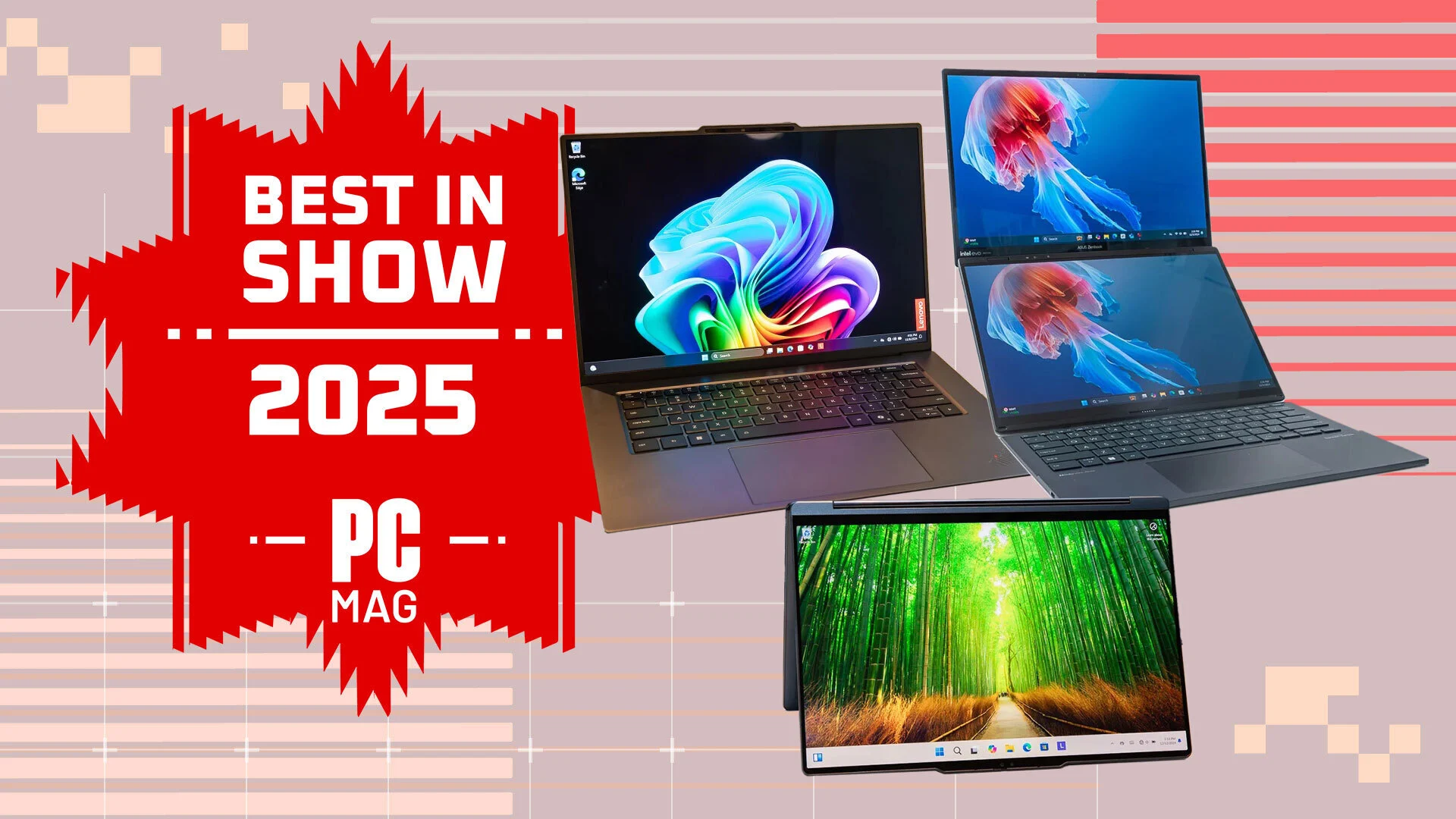

As content creation becomes more powerful and accessible, the demand for high-performance creator laptops has grown significantly. Whether you’re a video editor, graphic designer, 3D artist, photographer, or digital illustrator, having the right laptop can make or break your workflow. In 2025, the line between consumer and professional hardware continues to blur, but that also means choosing the right device requires clarity and planning.
This in-depth buying guide breaks down the key features you should look for in a creator laptop in 2025, balancing power, portability, and precision to match your creative workflow and budget.
1. Performance First: CPU and GPU
Table of Contents
CPU (Processor)
The processor is the heart of your laptop. For creators, it determines how fast you can render, export, multitask, and process complex files.
-
Intel 14th Gen (i7/i9) and AMD Ryzen 8000 series are leading in terms of raw power and multi-threaded performance.
-
If you’re a video editor, 3D artist, or audio producer, go for 8-core or higher CPUs with multithreaded capabilities.
-
For light design, blogging, or photo editing, a 6-core processor can suffice.
GPU (Graphics Card)
A powerful GPU is essential for rendering, real-time previews, motion graphics, and 3D modeling.
-
NVIDIA RTX 40-series (4060, 4070, 4080) are ideal for creators using software like Adobe Premiere Pro, After Effects, Blender, and DaVinci Resolve.
-
NVIDIA Studio Drivers ensure better stability and optimization for creative apps—look for laptops that include them.
-
AMD Radeon 7000M series is a solid choice as well, though NVIDIA has stronger software support for creators in 2025.
2. Display Quality: More Than Just Resolution
As a creator, your display is your canvas. Look beyond just 4K resolution; color accuracy, brightness, and screen type matter just as much.
Key Display Features to Consider:
-
Resolution: At minimum, opt for 1440p (QHD). 4K UHD is ideal for video editors and photo professionals.
-
Color Accuracy: Look for 100% sRGB, DCI-P3, or AdobeRGB coverage for precise color grading.
-
Panel Type: OLED and IPS panels are preferred over cheaper TN panels for their vibrant color reproduction and wide viewing angles.
-
Refresh Rate: While not critical for most creative tasks, a 120Hz or 144Hz refresh rate helps in video scrubbing and motion design.
-
Screen Size: 15–16 inches is the sweet spot for balancing portability and workspace. A 17-inch laptop is great for multitasking but harder to carry.
3. Memory and Storage: Go Big or Go Home
RAM (Memory)
Creative software often consumes large amounts of memory. Multitasking between apps like Photoshop, After Effects, and Premiere Pro demands substantial RAM.
-
Minimum: 16GB DDR5
-
Recommended: 32GB for video editing, 3D modeling, or high-res content creation
-
Future-Proofing: If your laptop supports upgradeable RAM, that’s a bonus.
Storage
Fast storage is critical for large files, real-time editing, and quick boot times.
-
NVMe SSD is a must—avoid HDDs in 2025.
-
Minimum: 1TB SSD
-
Dual Storage: Laptops with both SSD and secondary slots (for expansion) are ideal.
-
Some laptops also offer RAID SSD setups for even faster performance.
4. Thermal Management and Build Quality
Creator laptops push components hard, so thermal design is crucial to avoid throttling and noise.
-
Look for dual-fan cooling with vapor chamber cooling solutions.
-
Laptops with metal chassis (aluminum or magnesium alloy) tend to have better heat dissipation than plastic ones.
-
Long creative sessions can heat up your device, so a well-ventilated design with effective airflow ensures consistent performance.
5. Portability and Battery Life
Creators often work on the go, but performance machines tend to be heavier and consume more power.
-
Weight: Under 2.5 kg is manageable for most, but ultra-light laptops sacrifice GPU power.
-
Battery Life: 8–10 hours is solid, but don’t expect this during heavy editing or rendering.
-
If portability is a must, consider laptops with Efficient Intel Evo or AMD Ryzen AI processors, which balance performance and power.
6. Connectivity and Ports
Modern creator laptops offer a wide range of I/O ports, but not all are created equal.
Must-Have Ports:
-
USB-C / Thunderbolt 4: For fast file transfers and external displays.
-
HDMI 2.1 / DisplayPort: To connect 4K or ultra-wide monitors.
-
SD or microSD Card Reader: Essential for photographers and videographers.
-
USB-A ports: Still useful for older peripherals like dongles, drives, and tablets.
-
3.5mm Combo Jack: For audio editing and monitoring.
Also check if the laptop supports charging over USB-C, which can be a great convenience.
7. Software and Ecosystem Support
Laptops optimized for creators often come with specialized software or ecosystem integration:
-
NVIDIA Studio Laptops include driver enhancements and certifications for creative apps.
-
Apple MacBook Pro (M3 Max) has deep integration with Final Cut Pro, Logic Pro, and Adobe Suite for macOS users.
-
Some brands offer performance tuning apps, allowing you to switch between performance, balanced, or silent modes.
8. Keyboard, Trackpad, and Audio
These components may seem secondary, but they directly affect your daily workflow.
-
A comfortable keyboard with good key travel is essential for long typing sessions or scripting.
-
A responsive glass trackpad supports gestures and accurate controls for editing.
-
High-quality speakers and microphones are helpful if you do voiceovers, podcasts, or video calls.
9. Top Laptops for Creators in 2025
Here are a few of the best creator laptops currently recommended in 2025:
1. Apple MacBook Pro 16″ (M3 Max)
-
Top-tier performance for video and audio editing
-
Excellent battery life
-
1000 nits Liquid Retina XDR display
2. ASUS ROG Zephyrus G16 (2025)
-
Intel Core Ultra 9 + RTX 4070
-
240Hz QHD+ OLED display
-
Thin and lightweight
3. Dell XPS 16 (2025)
-
Intel Core i9 14th Gen
-
Excellent build and edge-to-edge 4K touch display
-
Ideal for Adobe Suite users
4. HP ZBook Studio G10
-
Workstation-grade GPU (RTX A-series or 4080)
-
Upgradeable RAM and storage
-
ISV certified for CAD and 3D software
5. Lenovo Legion 9i
-
Intel Core i9 + RTX 4090
-
Liquid cooling for sustained performance
-
3.2K Mini LED display

Final Thoughts
Choosing a creator laptop in 2025 comes down to matching your workflow, performance needs, and budget. Whether you’re editing 4K video, designing game assets, animating in Blender, or just starting your creator journey on YouTube, investing in the right laptop will elevate your craft and productivity.
Don’t be swayed only by brand names or gimmicks. Instead, prioritize the core hardware specs, display quality, and thermal design. A good creator laptop isn’t just a tool—it’s the digital foundation for your creative vision. With the right machine, your ideas will move faster from concept to creation.