
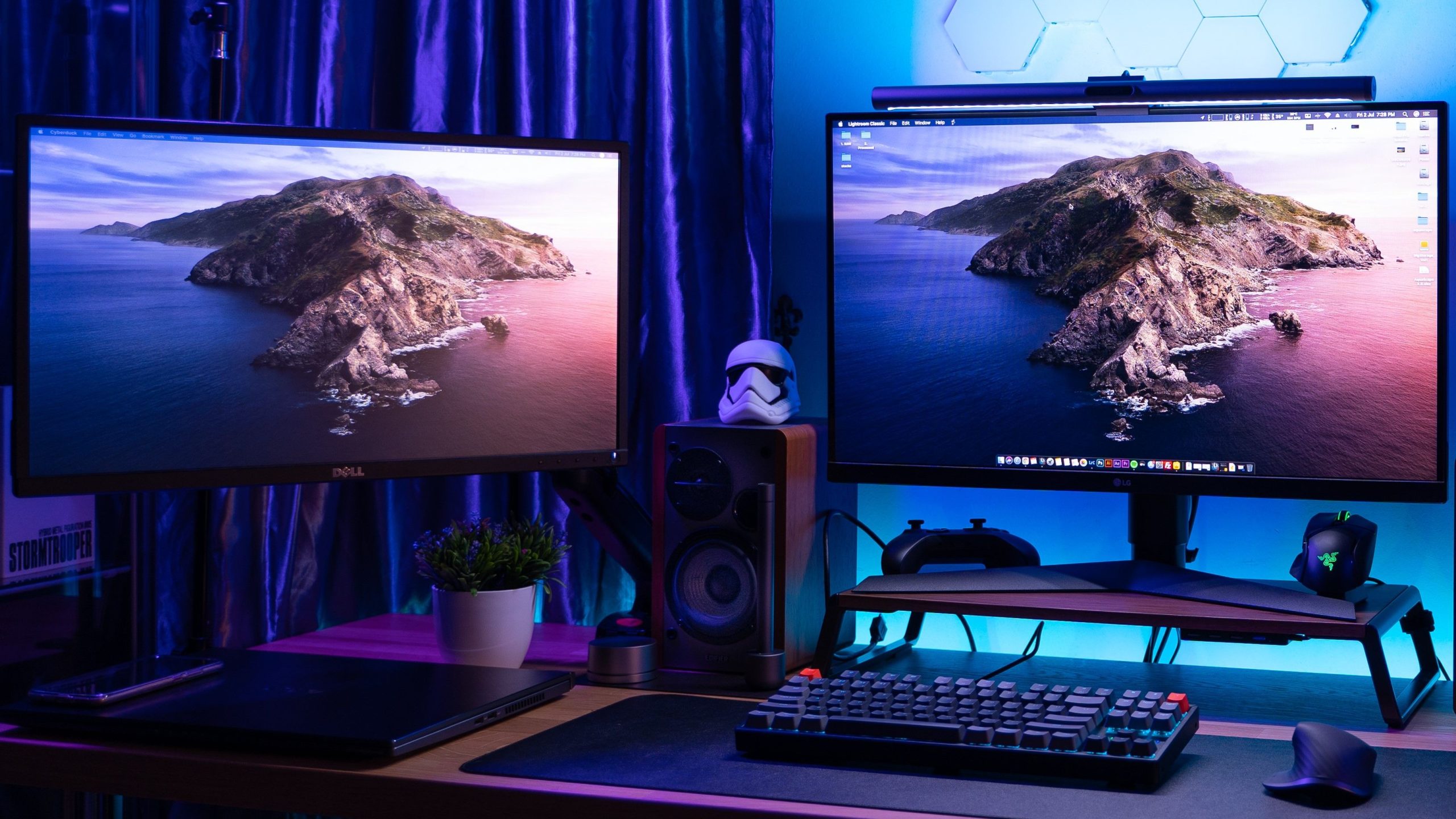

A great gaming experience goes beyond a powerful PC or console. Your monitor plays a crucial role in how immersive, responsive, and smooth your games feel. In 2025, gaming monitors come packed with advanced features—high refresh rates, adaptive sync technologies like G-Sync and FreeSync, HDR support, ultra-wide displays, and more. But with so many specs and terms being thrown around, it’s easy to get overwhelmed.
This comprehensive guide breaks down the key features and technologies in modern gaming monitors, helping you make an informed decision whether you’re a competitive FPS player, a casual gamer, or an RPG enthusiast looking for visual beauty.
1. Resolution: What’s Best for Gaming?
Table of Contents
Resolution refers to the number of pixels on your screen. A higher resolution means sharper visuals, but it also requires more graphics processing power.
-
1080p (Full HD): Still the most common resolution for budget and competitive gamers. Easy to hit high frame rates even with mid-range GPUs.
-
1440p (QHD): A sweet spot in 2025, offering better clarity than 1080p without the heavy performance cost of 4K.
-
2160p (4K UHD): Offers stunning detail, especially in open-world and cinematic games. However, it demands a high-end GPU to maintain playable frame rates.
-
Ultrawide (3440×1440) and Super Ultrawide (5120×1440): Great for simulation, racing, and immersive storytelling games, providing more screen real estate and a wider field of view.
2. Refresh Rate: How Smooth is Your Gameplay?
Refresh rate, measured in hertz (Hz), indicates how many times per second your monitor updates the image.
-
60Hz: Standard for basic monitors, but no longer ideal for gaming in 2025.
-
120Hz to 144Hz: Excellent for most gamers, offering much smoother visuals than 60Hz.
-
165Hz to 240Hz: Preferred by competitive gamers, especially for FPS, battle royale, and esports titles.
-
360Hz and above: High-end monitors now offer up to 500Hz, but these are best suited for professional gamers using high-end GPUs and playing fast-paced titles like Valorant or CS2.
Higher refresh rates reduce motion blur and increase responsiveness. But to take full advantage, your GPU must be able to push out frames matching or exceeding your monitor’s refresh rate.
3. Response Time: How Quickly Pixels Change
Response time measures how fast a pixel can change from one color to another, often from grey-to-grey (GtG). Lower is better.
-
1ms to 3ms GtG: Ideal for gaming—especially fast-paced games.
-
5ms+: Acceptable for casual use or slower games, but not ideal for shooters or competitive gameplay.
Faster response times reduce motion blur and ghosting, ensuring you see fast-moving enemies or objects clearly.
4. Adaptive Sync: G-Sync vs FreeSync
Adaptive Sync technologies like G-Sync (NVIDIA) and FreeSync (AMD) help eliminate screen tearing and stuttering by synchronizing your monitor’s refresh rate with your GPU’s frame rate.
G-Sync
-
Designed for NVIDIA GPUs.
-
Offers smooth gameplay, especially in fluctuating frame rate scenarios.
-
Requires certified G-Sync monitors with a proprietary module for the best performance.
-
More expensive than FreeSync, but highly reliable.
FreeSync
-
Designed for AMD GPUs but many FreeSync monitors are compatible with NVIDIA GPUs via G-Sync Compatible mode.
-
Typically more affordable.
-
Comes in various tiers: FreeSync, FreeSync Premium, and FreeSync Premium Pro (which supports HDR).
In 2025, many monitors support both G-Sync Compatible and FreeSync Premium, providing flexibility no matter your GPU.
5. Panel Types: IPS vs VA vs OLED
Different panel technologies offer different trade-offs between color accuracy, response time, and contrast.
IPS (In-Plane Switching)
-
Excellent color accuracy and viewing angles.
-
Widely used in professional and gaming monitors.
-
Typically features 1ms–4ms response times.
-
Great for both gaming and content creation.
VA (Vertical Alignment)
-
Deeper contrast and better blacks than IPS.
-
Often slower response times (~4ms to 8ms), which may cause ghosting in fast games.
-
Ideal for immersive single-player or cinematic games.
OLED (Organic LED)
-
Offers perfect blacks and infinite contrast.
-
Instant response time (~0.1ms), making it great for gaming.
-
Downsides include high cost and potential burn-in risk.
-
Newer QD-OLED and MLA OLED panels in 2025 have improved brightness and reduced burn-in concerns.
6. HDR: High Dynamic Range in Games
HDR enhances visual quality by offering a broader range of colors and better contrast between light and dark areas.
-
HDR400: Entry-level; basic HDR support but often not true HDR.
-
HDR600 to HDR1000: Mid to high-tier HDR support, offering better brightness and dynamic visuals.
-
OLED HDR: OLED displays offer phenomenal HDR due to their pixel-level dimming and infinite contrast.
For true HDR gaming, ensure your monitor has a high brightness rating and wide color gamut (DCI-P3 90% or higher).
7. Aspect Ratios: Standard vs Ultrawide
16:9 (Standard)
-
Most common aspect ratio.
-
Supported by nearly all games and media.
-
Ideal for everyday use and standard gaming.
21:9 (Ultrawide)
-
Offers more screen real estate for multitasking and immersive gaming.
-
Many modern games support this natively, but some older titles may need adjustments.
-
Ideal for racing, simulation, and productivity tasks.
32:9 (Super Ultrawide)
-
Equivalent to two 16:9 monitors side-by-side.
-
Great for multitasking and supported games, but very wide and space-consuming.
8. Build Quality, Ergonomics, and Ports
While specs are important, so is physical usability.
-
Adjustable stand: Look for tilt, swivel, height, and pivot adjustments.
-
VESA Mount compatibility: Allows wall-mounting or monitor arm usage.
-
Ports: HDMI 2.1, DisplayPort 1.4, USB-C with DisplayPort Alt Mode, and passthrough USB ports are useful.
-
Cable management: Keeps your desk clean and organized.
A clean, sturdy build can enhance your setup both aesthetically and practically.
9. Top Gaming Monitors in 2025
Here are a few standout gaming monitors in different categories:
1. ASUS ROG Swift PG32UQXR
-
32-inch 4K, 160Hz
-
G-Sync Compatible, HDR1000
-
HDMI 2.1, excellent color accuracy
2. Alienware AW3423DWF
-
34-inch QD-OLED, 3440×1440 resolution
-
165Hz refresh rate, FreeSync Premium Pro
-
Deep blacks and vivid colors
3. LG UltraGear 27GR95QE
-
27-inch OLED, 240Hz
-
1440p resolution, 0.03ms response time
-
G-Sync Compatible and FreeSync support
4. Samsung Odyssey Neo G9 (2025)
-
49-inch Super Ultrawide, 5120×1440
-
Mini LED HDR2000, 240Hz
-
Great for immersive and multitasking setups
Final Thoughts
A gaming monitor is more than just a display—it’s a critical part of your gaming setup that affects everything from how immersive your world feels to how competitive you can be. In 2025, the market is filled with options tailored to every kind of gamer, from esports pros needing lightning-fast response times to story-driven players craving jaw-dropping visuals.
When choosing your gaming monitor, match it with your playstyle, your GPU’s capabilities, and your personal setup. Don’t fall into the trap of chasing the highest specs—focus on balanced performance, adaptive sync compatibility, resolution, and panel quality. The right monitor will elevate your experience and help you see the game as it was meant to be played.