
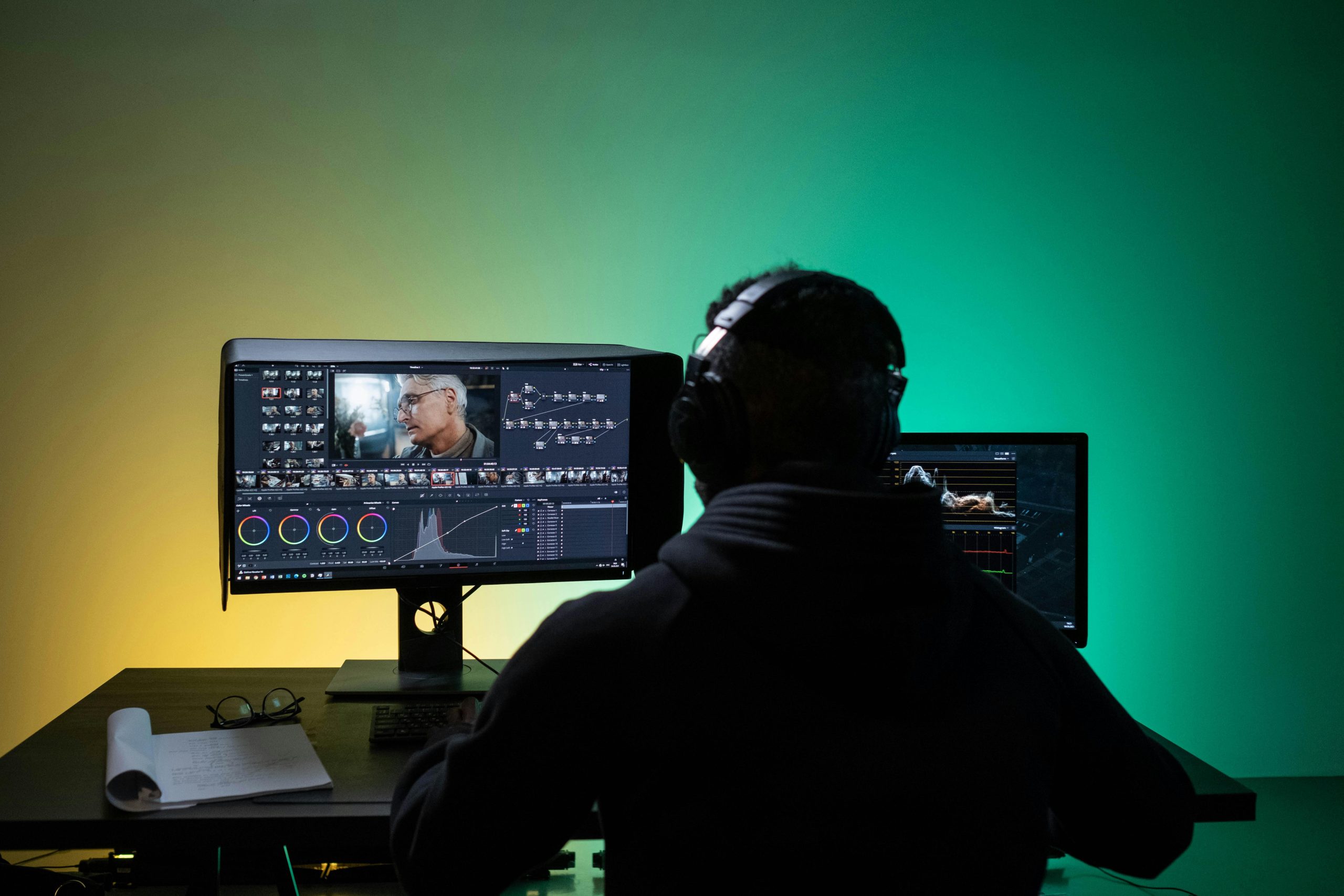

The world of video editing has experienced a dramatic transformation in recent years, thanks to the growing integration of artificial intelligence (AI). In 2025, AI tools have become indispensable for content creators, video editors, marketers, and even indie filmmakers. From automating repetitive tasks to enhancing visual storytelling, these tools are not only speeding up workflows but also unlocking new levels of creativity.
In this comprehensive guide, we’ll explore the best AI tools for video editors and creators in 2025—covering everything from motion tracking and color grading to script generation and voiceovers.
Why AI is a Game-Changer in Video Editing
Table of Contents
Before diving into specific tools, let’s understand why AI has become such a pivotal force:
-
Efficiency Boost: Automating time-consuming tasks like cutting silences, tagging clips, syncing audio, and transcribing.
-
Accessibility: Enabling creators with limited editing knowledge to produce professional-grade content.
-
Creative Assistance: Suggesting effects, music, transitions, and even generating b-roll based on script or voice.
-
Cost Reduction: Minimizing the need for large production teams through automation and smart enhancements.
With that context, here are the top AI-powered tools making waves in 2025.
1. Runway ML – The Swiss Army Knife of AI Video Editing
Best For: Motion tracking, green screen removal, inpainting, and real-time video generation
Runway ML continues to be at the forefront of AI-driven creativity. With its 2025 update, Runway Gen-3 introduces real-time video generation from text prompts, allowing creators to storyboard, animate, and even generate entire scenes.
Key Features:
-
AI-powered background removal without green screen
-
Motion brush for precise rotoscoping
-
Text-to-video generation
-
Audio cleanup and subtitle generation
Why It’s Great:
It streamlines VFX-heavy workflows and is ideal for indie creators who want to punch above their weight.
2. Descript – All-in-One Editor for Podcasters and Video Creators
Best For: Quick edits, transcription, text-based video editing, and overdubs
Descript’s Overdub technology allows you to clone your voice and fix mistakes in videos without re-recording. You can edit your video like a Word document, making it incredibly intuitive for beginners.
Key Features:
-
Automatic transcription with near-perfect accuracy
-
Text-based editing of video/audio
-
Screen recorder and podcasting features
-
Filler word removal and auto-leveling
2025 Update Highlight:
Now supports multi-language transcription and has a generative “AI voice director” that suggests intonation improvements.
3. Pictory – Turn Scripts and Blogs into Video
Best For: Social media content creators, marketers, and bloggers
Pictory is one of the best AI tools for transforming long-form content (like blog posts) into short-form videos. It’s great for repurposing existing content into reels, shorts, or YouTube intros.
Key Features:
-
Script-to-video with b-roll suggestions
-
Automatic subtitle generation
-
Branded templates
-
Voiceover sync and music pairing
Use Case:
Marketers can input a product blog post and get a polished 60-second promotional video within minutes.
4. Adobe Premiere Pro with Sensei AI – Professional Editing with AI Boost
Best For: Professional video editors and production studios
Adobe Sensei, Adobe’s AI engine, continues to enhance Premiere Pro with features like auto-reframe, scene edit detection, and AI-enhanced color grading. In 2025, it introduced AI-powered editing suggestions, helping editors speed up timelines intelligently.
Key Features:
-
Auto cut for social platforms
-
Scene edit detection
-
Lumetri Color auto-match
-
Speech-to-text and auto-captioning
Why Pros Love It:
The integration of AI doesn’t replace the editor but augments professional workflows with intelligent shortcuts.
5. Synthesia – AI Avatars and Multilingual Video Presenters
Best For: Corporate videos, training modules, explainer videos
Synthesia allows you to create videos with AI avatars who speak dozens of languages. This is particularly useful for educational content or businesses aiming for global reach.
Key Features:
-
120+ AI avatars
-
60+ languages and accents
-
Custom avatar creation (using real people)
-
Script input-to-video in minutes
2025 Enhancements:
Support for avatar gesture customization, emotion control, and 8K output resolution.
6. Magisto by Vimeo – Smart Video Creation for Social Media
Best For: Small businesses, solopreneurs, and casual creators
Magisto uses AI to analyze your raw footage, pick the best moments, and edit them into a slick, engaging video automatically. It’s ideal for people who want fast, good-looking videos without touching a timeline.
Key Features:
-
Smart scene selection
-
Built-in music and style library
-
Auto-stabilization and face detection
-
Export in social-ready formats
Pro Tip:
Use Magisto for Instagram Reels or Facebook Ads—it reduces editing time from hours to minutes.
7. Lumen5 – Blog-to-Video Automation
Best For: Content marketers and educators
Lumen5 converts blog posts and long-form content into engaging videos using AI. It selects visual elements, inserts relevant animations, and provides voice narration options.
Key Features:
-
Blog URL to video conversion
-
Library of templates and visuals
-
Voiceovers and subtitles
-
Real-time previewing
2025 Features:
Now includes an AI narrator who reads the content with emotion and pitch variation for more engagement.
8. Topaz Video AI – Upscaling and Restoration Like Magic
Best For: Video restorers, YouTubers working with old footage
Topaz Video AI uses machine learning models to upscale videos, remove noise, restore details, and stabilize shaky footage. It’s one of the best tools for breathing new life into older video content.
Key Features:
-
4K and 8K upscaling
-
Frame interpolation (turn 30fps into 60fps)
-
Denoising and sharpening
-
Flicker and motion correction
Why It’s Revolutionary:
Content creators can remaster old footage or improve mobile-shot videos to professional quality.
9. Kapwing – Collaborative Online Editor with AI Help
Best For: Teams, social media managers, influencers
Kapwing is a browser-based editor that integrates AI tools like script generation, auto subtitles, background removal, and resizing for different platforms.
Key Features:
-
Text-to-speech and speech-to-text
-
Template-based editing
-
Auto-resize for TikTok, YouTube, IG
-
Video generator from prompts
2025 Bonus:
The new AI Assistant suggests optimal posting times and social captions for each video.
10. Wisecut – AI-Powered Editing for Talking Head Videos
Best For: Educators, vloggers, and online course creators
Wisecut’s standout feature is its ability to auto-edit talking head videos by cutting silences, inserting background music, and generating subtitles in multiple languages.
Key Features:
-
Automatic audio ducking
-
Smart background music selection
-
Multilingual subtitles
-
Voice-to-text video script generator
Why It Stands Out:
Perfect for YouTube educators or solo creators who want a polished result with minimal manual editing.

Final Thoughts: How to Choose the Right AI Video Tool in 2025
With so many tools available, here are a few tips to help you choose:
-
For Quick Content: Go with Pictory, Magisto, or Lumen5
-
For Professional Editing: Use Adobe Premiere Pro + Sensei or Topaz Video AI
-
For Script-Driven Videos: Try Synthesia or Wisecut
-
For Collaboration: Kapwing is excellent
-
For Creative Effects and VFX: You can’t go wrong with Runway ML