

GTA 6 Rockstar Launcher: What to Expect for PC Players
Table of Contents
Here’s something worth understanding well before GTA 6 actually reaches PC, because it changes how you’ll experience the game regardless of where you buy it: the Rockstar Games Launcher isn’t optional. Whether you pick up GTA 6 through Steam, Epic Games Store, or Rockstar’s own store directly, you’re almost certainly going to end up creating or linking a Rockstar Social Club account and interacting with the launcher at some point. This isn’t a prediction built on thin air. It’s exactly how both GTA V and Red Dead Redemption 2 have worked for years, and there’s no real reason to expect GTA 6 to break that pattern.
This guide walks through what the launcher actually does, why it exists alongside third-party storefronts rather than replacing them, and what PC players should realistically expect once GTA 6 finally arrives.
What the Rockstar Games Launcher Actually Is
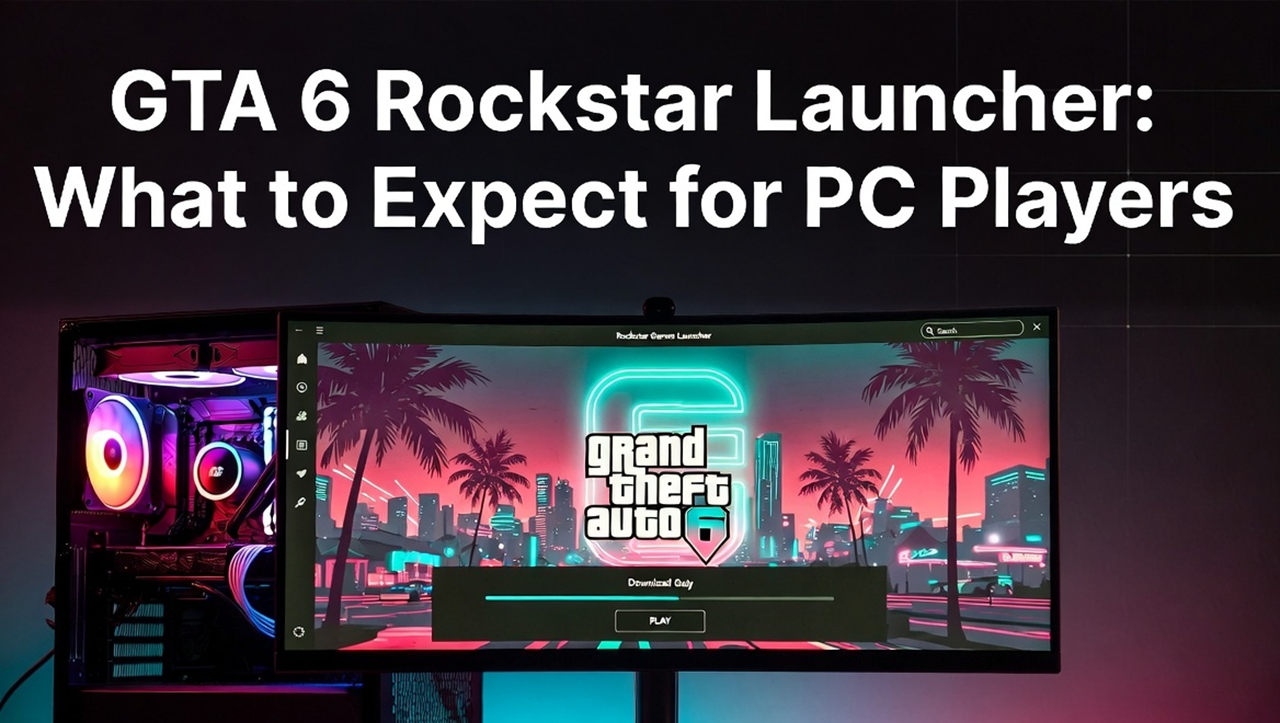
The Rockstar Games Launcher is Rockstar’s own PC client, separate from Steam or Epic, that manages game installation, updates, and account features across the studio’s entire PC catalog. It’s tied directly to Rockstar Social Club, the account system that’s underpinned every Rockstar PC release for well over a decade, handling things like save data, achievements-equivalent progress tracking, and access to online features like GTA Online.
Think of it less as a competing storefront and more as an account and services layer that sits underneath whichever storefront you actually bought the game from. Steam might handle your purchase, your library listing, and cloud saves through Valve’s own system, but the Rockstar Games Launcher is still very likely to be involved for account linking, updates, and certain online features, the same way it currently works for GTA V and RDR2 today.
Why You’ll Need It Even If You Buy on Steam or Epic
This trips up a lot of players who assume that buying through a third-party storefront means avoiding Rockstar’s own launcher entirely. It doesn’t, at least not based on how the studio has handled every major release so far.
GTA V on Steam still requires linking a Rockstar Social Club account and, in many cases, has the Rockstar Games Launcher installed alongside it to handle certain updates and online functionality. Red Dead Redemption 2 follows the same structure. The third-party storefront becomes your purchase and library management layer, while Rockstar’s own systems continue handling the game’s actual account infrastructure underneath that.
Applying that same pattern to GTA 6, expect the same dual-layer setup: buy through whichever storefront suits you, then create or link a Social Club account and interact with the Rockstar Games Launcher as part of getting the game actually running and connected to online features.
What This Means for GTA Online, If GTA 6 Follows a Similar Model
GTA V’s staying power for over a decade has been driven substantially by GTA Online, and it’s reasonable to expect GTA 6 to include a similarly ambitious online component, though Rockstar hasn’t detailed exactly how that will work yet. If GTA 6’s online features follow the same structure as GTA V’s did, expect your Social Club account, managed through the Rockstar Games Launcher, to be the backbone connecting your progress, purchases, and online identity across sessions, regardless of which storefront originally sold you the game.
This matters practically for one specific reason: it means your actual game progress and online identity are tied to your Rockstar account, not to Steam or Epic specifically. If you’ve ever wondered how some players manage to access GTA Online progress across different storefront purchases of GTA V, this is the mechanism behind it, and there’s a reasonable expectation GTA 6 will work similarly.
Setup Expectations: What the Process Will Probably Look Like
Based on how GTA V and RDR2 currently work, here’s a realistic walkthrough of what getting GTA 6 running on PC will likely involve, once a PC version actually exists.
Purchase through your chosen storefront. Whether that’s Steam, Epic Games Store, or Rockstar’s own store, this is where your actual transaction and initial download happens.
Install or link the Rockstar Games Launcher. Depending on the storefront, this might happen automatically as part of the installation process, or it might prompt you separately the first time you launch the game.
Create or sign into a Rockstar Social Club account. This is the account layer that ties your progress and online features together, and it’s a one-time setup step rather than something you’ll need to repeat each session.
Launch the game through your storefront as normal. Once everything’s linked, day-to-day play typically works through whichever storefront you actually purchased from, with the Rockstar Games Launcher running in the background handling account verification and certain updates.
This isn’t a particularly heavy or unusual process by modern PC gaming standards. Plenty of major publishers require some form of account linking alongside a primary storefront purchase, and Rockstar’s version of this has been stable and well understood for years across its existing PC catalog.
Will the Rockstar Launcher’s Own Store Be an Option Too?
Almost certainly yes. Rockstar sells GTA V and RDR2 directly through its own website separate from Steam or Epic, and there’s no indication that practice will change for GTA 6. Buying directly from Rockstar’s own store effectively bypasses the “buy on one storefront, still need the launcher” situation entirely, since you’re already inside Rockstar’s own ecosystem from the start.
For players who don’t have a strong preference for Steam’s community features or Epic’s specific perks, buying directly through Rockstar’s own launcher store is likely to be the most straightforward path, with one fewer account layer to manage.
Common Frustrations With the Current Launcher, and Whether They’ll Likely Carry Over
It’s worth being honest here rather than just presenting the launcher uncritically, since players who’ve used it for GTA V or RDR2 have had real, documented frustrations worth knowing about ahead of time.
The launcher has occasionally been criticized for slower patch rollout timing compared to how quickly Steam itself can push updates, meaning some players have experienced brief windows where a game update is available on one storefront before the launcher-side account verification catches up. Account linking issues, particularly around edition-specific bonus content not appearing correctly across every storefront, have also been reported at various points for both GTA V and RDR2, especially around specific re-releases like GTA V Enhanced, where some players temporarily had trouble with Epic Games Store not correctly recognizing existing entitlements.
None of these issues are severe or unusual by modern live-service PC gaming standards, and Rockstar has generally resolved specific problems like these once identified. But it’s fair to expect a comparable degree of minor friction with GTA 6, particularly around launch week when account systems tend to be under the heaviest simultaneous load.
What About System Requirements for the Launcher Itself?
Worth a quick mention, though it’s a minor consideration compared to the actual game’s requirements. The Rockstar Games Launcher itself is a lightweight background application and has never represented a meaningful hardware demand on its own. Your actual system requirements concern should be focused on running GTA 6 itself, not the launcher layer sitting underneath it. We cover the full predicted hardware picture in our breakdown of GTA 6 PC system requirements and our dedicated best GPU for GTA 6 guide.
How This Fits Into the Bigger Storefront Picture
If you’re trying to decide where to actually buy GTA 6 once a PC version exists, the Rockstar Games Launcher consideration is really a secondary factor rather than the primary decision point, since it’s likely to be involved regardless of your choice. The bigger question of which combination of storefronts GTA 6 will actually be sold through, and whether Epic Games Store gets day-one access or a delayed rollout similar to how Red Dead Redemption 2 handled it, is covered in full in our guide on whether GTA 6 will be on Steam, Epic Games Store, or the Rockstar Launcher.
Frequently Asked Questions
Do I need the Rockstar Games Launcher if I buy GTA 6 on Steam? Almost certainly yes, based on how GTA V and RDR2 currently work. Steam handles your purchase and library, but Social Club account linking through the Rockstar Games Launcher is still typically required for full functionality.
Is the Rockstar Games Launcher a separate purchase? No. The launcher itself is a free client. You purchase the actual game through Steam, Epic Games Store, or Rockstar’s own store, and the launcher manages account features and updates alongside that purchase.
Will my GTA 6 progress be tied to Steam or to my Rockstar account? Based on how GTA V and RDR2 work, expect your core progress and online identity to be tied to your Rockstar Social Club account, which is part of why players can sometimes access consistent progress across different storefront purchases of the same Rockstar title.
Does the Rockstar Games Launcher have heavy system requirements of its own? No. It’s a lightweight application. Your actual hardware concerns should focus on running GTA 6 itself rather than the launcher layer.
Will buying directly from Rockstar’s own store avoid needing Steam or Epic? Yes. Buying directly through Rockstar’s own launcher store keeps everything within Rockstar’s own ecosystem from the start, without needing a separate third-party storefront account at all.
The Bottom Line
Whatever storefront you eventually choose for GTA 6 on PC, expect the Rockstar Games Launcher and a linked Social Club account to be part of the experience, not an optional extra layer you can avoid. That’s been the consistent structure across GTA V and RDR2 for years, and there’s no indication GTA 6 will work any differently. The launcher itself is lightweight and mostly invisible day to day once set up, and the real decision that actually matters is which storefront to buy from in the first place, which comes down to personal preference more than any meaningful difference in the underlying game experience.