
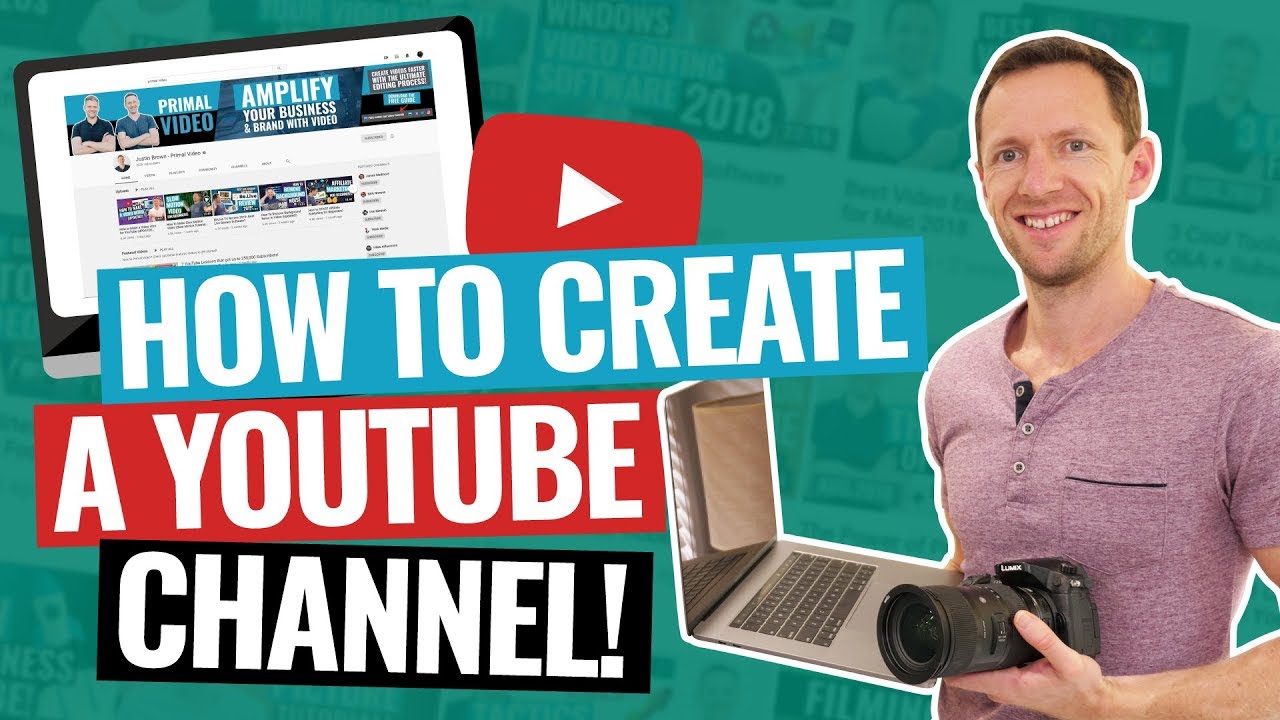

Starting a gaming YouTube channel can be an exciting journey, but for beginners, it might seem overwhelming. With millions of gamers sharing their content online, how do you stand out? How do you grow from zero subscribers to a thriving community? This comprehensive guide will walk you through the essential steps to build a successful gaming YouTube channel from scratch, covering everything from planning your content to engaging with your audience. Whether you’re just starting or looking to refine your approach, these strategies will help you set a solid foundation and grow organically over time.
1. Define Your Niche and Audience
Table of Contents
Identify Your Passion and Strengths
The gaming world is vast, encompassing genres like FPS, RPG, indie, mobile, strategy, and more. To make your channel unique, focus on a specific niche that aligns with your interests and skills. Are you a fast-paced shooter player? Do you love retro games? Are you passionate about game reviews or tutorials? Narrowing your focus helps attract a dedicated audience.
Understand Your Audience
Research what viewers in your chosen niche enjoy. Watch popular creators in similar categories, note their content style, and identify gaps you can fill. Are viewers looking for beginner tips, high-level gameplay, or humorous commentary? Tailoring your content to meet their needs builds loyalty.
2. Set Up Your YouTube Channel Professionally
Create a Catchy Channel Name
Choose a memorable, relevant name that reflects your niche and personality. Avoid complicated names; simplicity helps viewers remember and find you easily.
Design Your Branding
- Logo: Use tools like Canva or hire a designer to create a clean, attractive logo.
- Banner: Craft a visually appealing banner that communicates your channel’s theme.
- Thumbnail Style: Develop a consistent style for thumbnails to establish brand recognition.
Optimize Your Channel Profile
- Write an engaging “About” section that explains who you are, what content you produce, and what viewers can expect.
- Include links to your social media, website, or Discord server.
Technical Setup
- Use a decent microphone for clear audio.
- Record gameplay with reliable software like OBS Studio or Streamlabs.
- Edit videos with user-friendly editors such as DaVinci Resolve or Adobe Premiere Pro.
- Consider investing in a webcam if you want to include facecam reactions.
3. Plan Your Content Strategy
Content Types
- Gameplay Walkthroughs and Playthroughs: Showcase your skills or explore new games.
- Game Reviews and Reactions: Share honest opinions on new releases.
- Tutorials and Tips: Help viewers improve their gameplay.
- Funny Moments and Highlights: Entertain with clips of funny or impressive moments.
- Live Streams: Interact with viewers in real-time, building community.
Create a Content Calendar
Consistency is key. Decide on a posting schedule—weekly, biweekly, or monthly—and stick to it. Planning ahead helps maintain quality and keeps your audience engaged.
Engaging Titles and Thumbnails
Craft titles that are descriptive, intriguing, and include relevant keywords. Design eye-catching thumbnails to increase click-through rates.
4. Optimize Your Videos for Discoverability
Keyword Research
Use tools like TubeBuddy, VidIQ, or Google Trends to find popular search terms related to your niche. Incorporate these keywords naturally into your titles, descriptions, and tags.
Effective Titles and Descriptions
Your title should be compelling yet accurate. The description should expand on your video content, include relevant keywords, and link to your social media or playlists.
Tags and Metadata
Use relevant tags to help YouTube understand your content. Don’t overstuff; focus on quality keywords.
Custom Thumbnails
Design high-quality, consistent thumbnails that clearly represent the video content. Bright colors, bold text, and expressive imagery attract viewers.
Engagement Signals
Encourage viewers to like, comment, and subscribe. Engagement boosts your video’s visibility in YouTube’s algorithm.
5. Build and Engage Your Community
Respond to Comments
Take time to reply to comments, answer questions, and thank viewers. Building relationships encourages loyalty.
Create a Discord Server or Social Media Presence
Use platforms like Twitter, Instagram, or Discord to connect with your audience outside YouTube. Share updates, behind-the-scenes content, and foster discussions.
Host Live Streams
Live interaction can rapidly grow your community. Chat with viewers in real-time, hold Q&A sessions, or run gaming tournaments.
Collaborate with Other Creators
Partnering with other YouTubers exposes your channel to new audiences. Collaborate on gameplay, challenges, or discussions.
6. Grow Organically and Stay Consistent
Leverage Social Media
Share your videos on relevant gaming forums, Reddit communities, Twitter, and Facebook groups. Be genuine—avoid spamming.
Participate in Trends and Challenges
Jump on trending games, challenges, or meme formats to increase discoverability.
Analyze Your Analytics
Use YouTube Analytics to understand what’s working. Track watch time, audience retention, and engagement metrics to refine your content strategy.
Patience and Persistence
Growing a channel takes time. Focus on consistent quality and genuine engagement rather than just numbers.
7. Monetize and Sustain Your Channel
Meet YouTube’s Monetization Requirements
- 1,000 subscribers
- 4,000 watch hours in the past 12 months
Apply for the YouTube Partner Program
Once eligible, enable ads, memberships, or Super Chat to earn revenue.
Explore Additional Income Streams
- Affiliate marketing (e.g., gaming gear, in-game purchases)
- Sponsorships and brand deals
- Selling merchandise
Maintain Authenticity
Promote only products you believe in. Transparency builds trust.
8. Keep Improving and Evolving
Stay Updated
Follow YouTube’s policies, algorithm updates, and gaming industry trends.
Solicit Feedback
Ask your community what they enjoy and what they want to see more of.
Experiment
Try different content formats, editing styles, or new games to see what resonates.
Invest in Your Skills
Improve your editing, presentation, or gameplay skills through tutorials and practice.
Final Thoughts: Your Authentic Gaming Voice
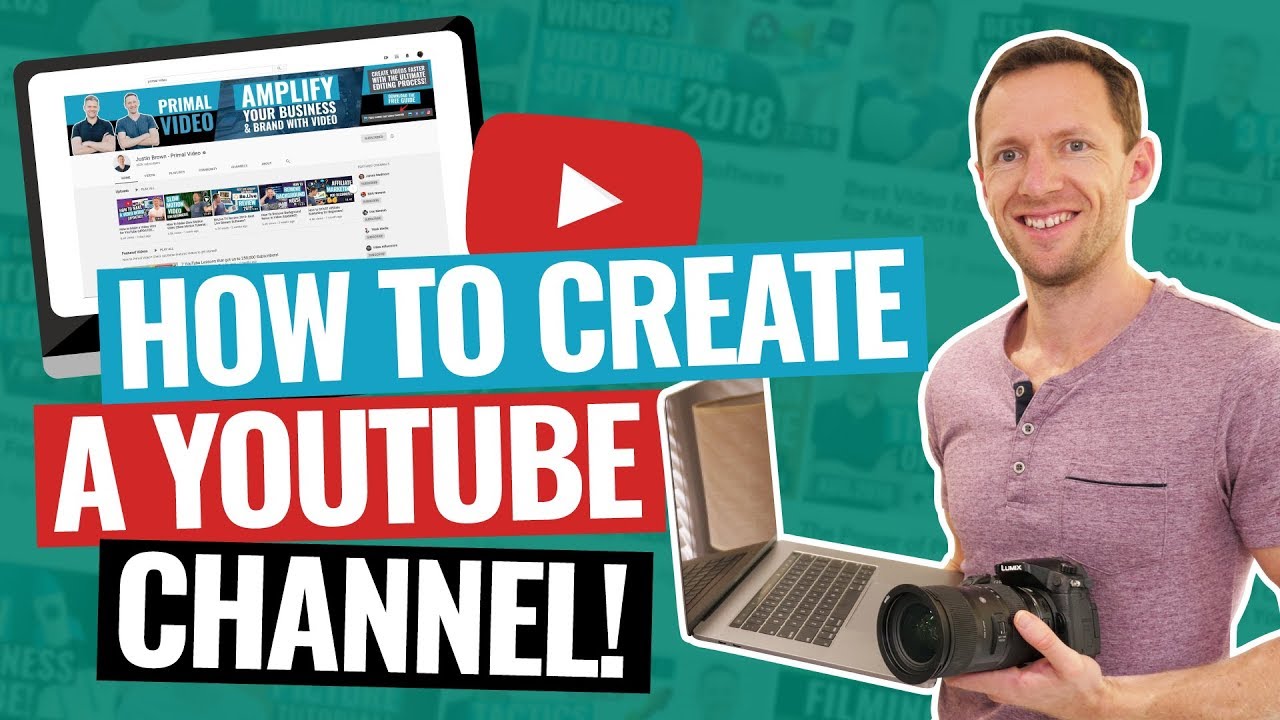
Building a gaming YouTube channel from scratch is a rewarding endeavor that combines creativity, consistency, and genuine engagement. Focus on delivering value, sharing your passion, and connecting authentically with your audience. Remember, success doesn’t happen overnight—patience, perseverance, and authenticity are your best tools.
Your unique perspective and personality are what will ultimately set your channel apart. So gear up, stay committed, and enjoy the process of sharing your gaming adventures with the world. Happy gaming and creating!