

Introduction
Table of Contents

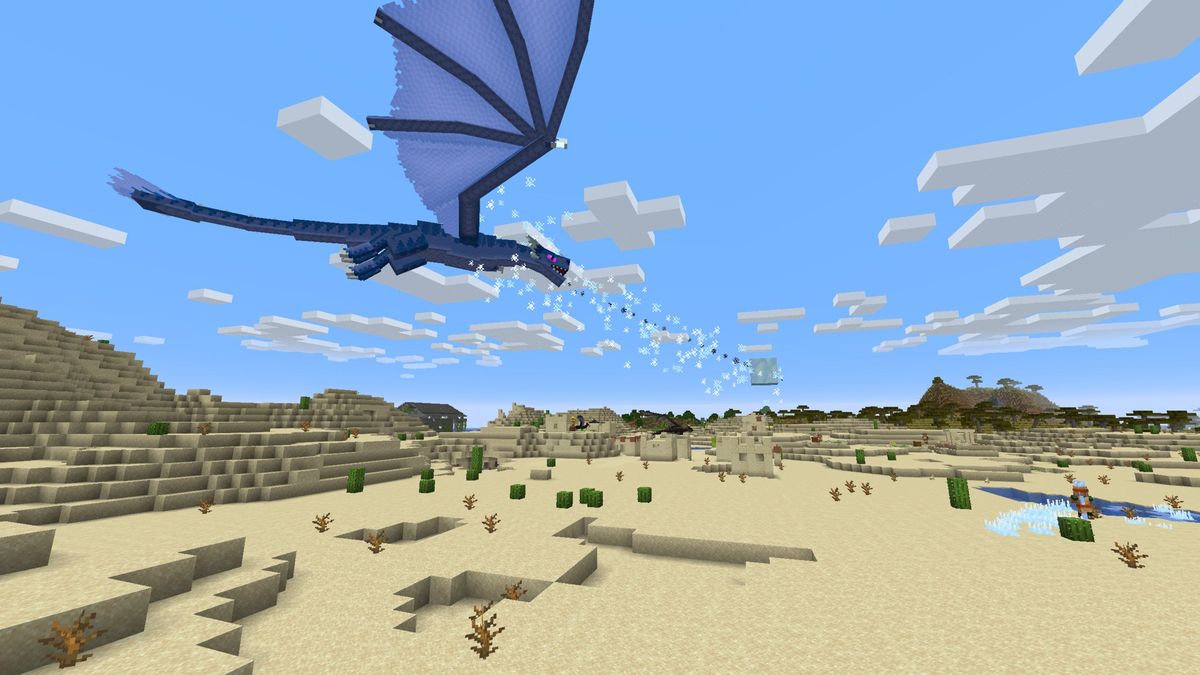
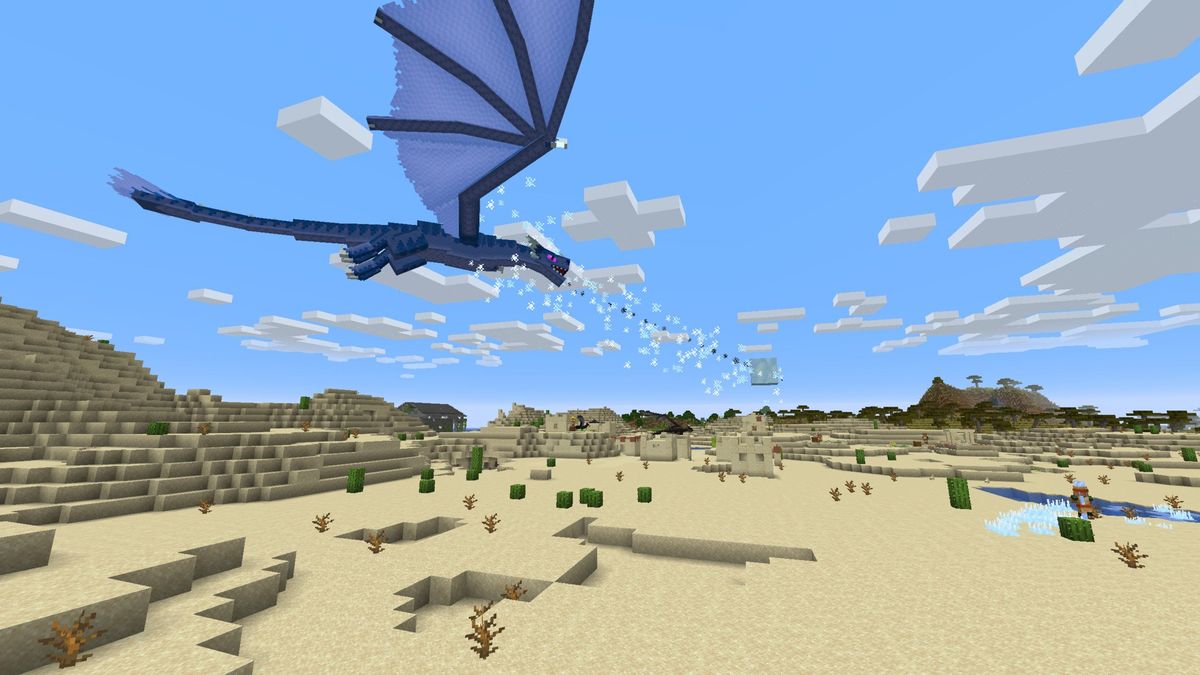
Game mods have revolutionized the gaming industry, allowing players to customize their favorite games and even create entirely new experiences. From adding new characters and levels to overhauling graphics and mechanics, mods have kept games like The Elder Scrolls V: Skyrim and Minecraft fresh and exciting for years.
If you’ve ever wondered how to create your own game mods, you’re in the right place. This guide will walk you through the process, from understanding the basics to publishing your first mod. Whether you’re a seasoned programmer or a complete beginner, you’ll find actionable insights, expert tips, and real-world examples to help you get started.
What Are Game Mods?
Game mods (short for modifications) are user-created content that alters or extends a game. They can range from simple tweaks, like changing a character’s appearance, to complex overhauls that introduce new gameplay mechanics or storylines.
Why Create Game Mods?
- Express Creativity: Modding allows you to put your unique spin on a game.
- Learn New Skills: Modding can teach you programming, graphic design, and problem-solving.
- Join a Community: The modding community is vibrant and supportive, offering feedback and collaboration opportunities.
- Enhance Your Resume: Game development studios often value modding experience.
Getting Started: Tools and Skills You’ll Need
Before diving into modding, you’ll need the right tools and a basic understanding of the skills involved.
Essential Tools for Modding
- Game-Specific Modding Tools:
- Bethesda Games (Skyrim, Fallout): Creation Kit
- Minecraft: MCreator or Forge
- The Witcher 3: REDkit
- Unity-Based Games: Unity Editor
- Programming Languages:
- C#: Commonly used in Unity-based games.
- Python: Great for scripting and automation.
- Lua: Used in games like World of Warcraft and Roblox.
- Graphic Design Software:
- Photoshop or GIMP for creating textures and assets.
- Blender for 3D modeling.
- Version Control Systems:
- GitHub to manage and share your modding projects.
Skills to Develop
- Basic Programming: Understanding loops, conditionals, and functions is crucial.
- Problem-Solving: Modding often involves debugging and troubleshooting.
- Patience and Persistence: Modding can be challenging, but the rewards are worth it.
Step-by-Step Guide to Creating Your First Game Mod
Step 1: Choose the Right Game
Not all games are mod-friendly. Start with games that have active modding communities and official tools, such as:
- The Elder Scrolls V: Skyrim
- Minecraft
- Stardew Valley
- The Witcher 3
Step 2: Research and Plan Your Mod
- Define Your Goal: What do you want to achieve with your mod?
- Study Existing Mods: Analyze popular mods to understand what works.
- Create a Design Document: Outline your mod’s features, mechanics, and assets.
Step 3: Set Up Your Modding Environment
- Download and install the necessary tools.
- Familiarize yourself with the game’s file structure and modding guidelines.
Step 4: Start Modding
- Begin Small: Start with a simple mod, like changing a texture or adding a new item.
- Use Tutorials: Platforms like YouTube and Mod DB offer beginner-friendly guides.
- Test Frequently: Ensure your mod works as intended and doesn’t crash the game.
Step 5: Polish and Optimize
- Fix bugs and improve performance.
- Add finishing touches, like custom icons or descriptions.
Step 6: Publish and Share Your Mod
- Upload your mod to platforms like Nexus Mods, Steam Workshop, or Mod DB.
- Engage with the community by responding to feedback and updating your mod.
Expert Tips for Successful Modding

- Start Small: Don’t aim for a massive overhaul on your first try. Focus on learning the basics.
- Join Modding Communities: Forums like Reddit’s r/Modding and Discord servers are great for support and collaboration.
- Document Your Work: Keep track of your progress and changes for easier troubleshooting.
- Respect Copyright Laws: Avoid using copyrighted assets without permission.
- Stay Updated: Game updates can break mods, so stay informed about changes.
Real-World Examples of Successful Mods
- The Forgotten City (Skyrim): Started as a mod and became a standalone game.
- Counter-Strike (Half-Life): Originally a mod, now one of the most popular FPS games.
- DayZ (ARMA 2): A zombie survival mod that spawned a successful standalone title.
These examples show how modding can lead to incredible opportunities, from community recognition to professional game development.
About Creating Game Mods
1. Do I need to know how to code to create game mods?
Not necessarily. While coding helps, many modding tools offer drag-and-drop interfaces for beginners.
2. Is modding legal?
Yes, as long as you respect the game’s terms of service and avoid using copyrighted material.
3. Can I make money from modding?
Some platforms allow modders to earn through donations or paid mods, but check the game’s policies first.
4. How long does it take to create a mod?
It depends on the complexity. A simple mod can take a few hours, while a large project may take months.
5. What if my mod doesn’t work?
Debugging is part of the process. Use forums and communities to seek help and solutions.
Conclusion
Creating your own game mods is a rewarding journey that combines creativity, technical skills, and community engagement. By following this guide, you’ll be well on your way to transforming your favorite games into something truly unique.
Remember, every expert modder started as a beginner. So, grab your tools, start small, and don’t be afraid to experiment. Who knows? Your mod might just be the next big thing in gaming!