
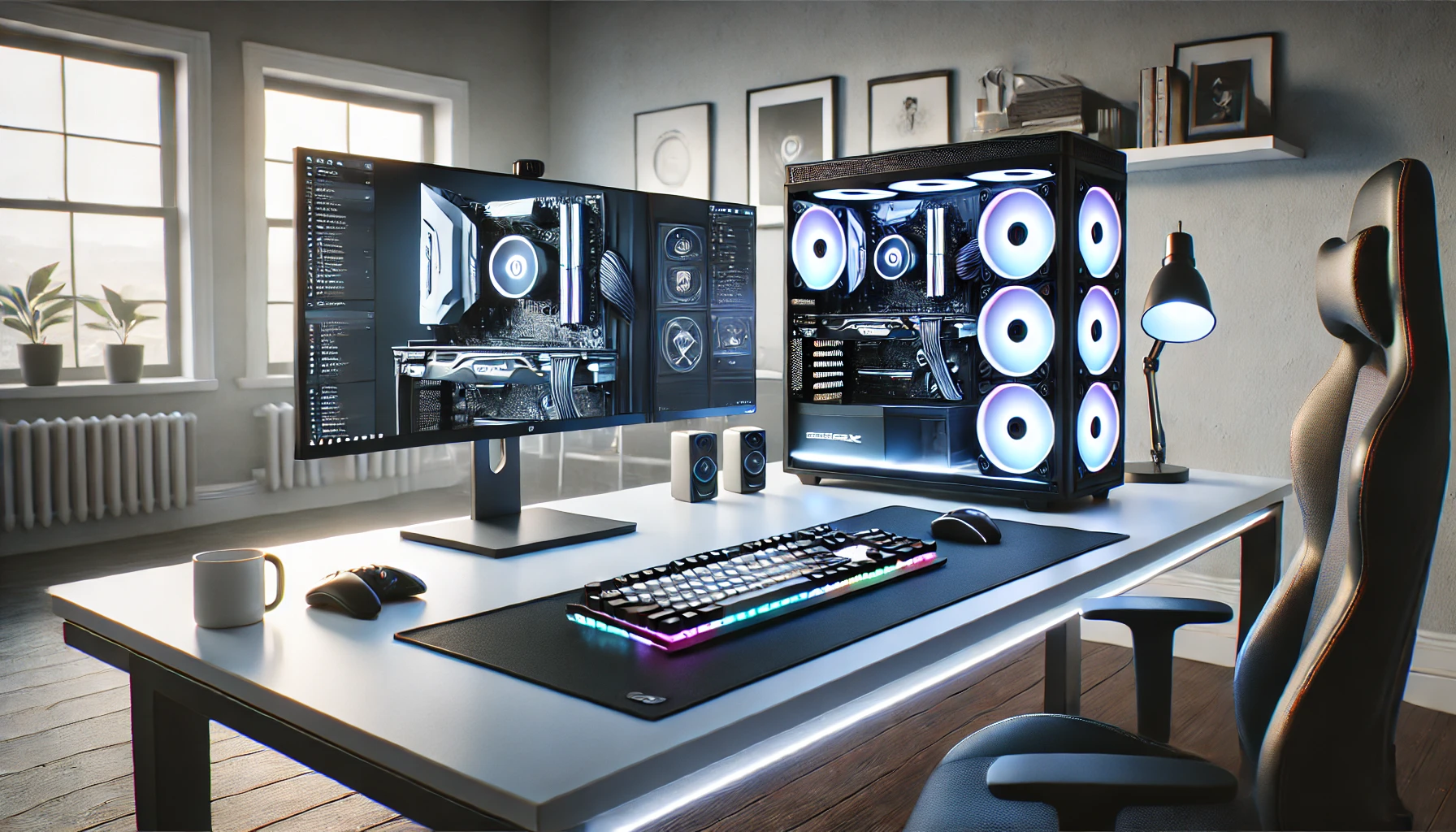

In the rapidly evolving world of gaming, staying ahead of the curve requires more than just a powerful graphics card and a high-refresh-rate monitor. As technology advances, optimizing your PC for gaming performance in 2025 becomes essential to ensure smooth gameplay, stunning visuals, and minimal lag. Whether you’re a casual gamer or a competitive esports enthusiast, understanding the best practices to enhance your system’s performance can make a significant difference.
Why Optimization Matters in 2025
Table of Contents
Gaming technology has seen exponential growth, with developments like ray tracing, AI-driven graphics, and virtual reality becoming mainstream. However, these advancements demand more from your PC hardware. Simply having high-end components isn’t enough; how you maintain and optimize your system can significantly impact your gaming experience. Proper optimization ensures your hardware operates at peak efficiency, reduces bottlenecks, and prolongs the lifespan of your components.
1. Keep Your System Up-to-Date
One of the foundational steps in optimizing your PC for gaming performance is maintaining the latest drivers and software updates. Hardware manufacturers and game developers continually release updates that improve compatibility, introduce new features, and fix bugs.
- Graphics Drivers: Regularly update your GPU drivers through NVIDIA GeForce Experience, AMD Radeon Software, or Intel Graphics Command Center. Updated drivers often include performance enhancements and bug fixes for new titles.
- Windows OS: Keep your Windows operating system updated. Microsoft releases security patches and performance improvements that can enhance gaming stability.
- Game Patches: Always install the latest patches for your games, as developers optimize performance and fix issues post-release.
Expert Tip: Use trusted sources for updates and avoid third-party tools that promise performance boosts, as they may do more harm than good.
2. Optimize In-Game Settings
Every game has graphics settings that influence performance. In 2025, games are more demanding due to advanced features like ray tracing and AI enhancements.
- Resolution & Refresh Rate: Match your game resolution with your monitor’s native resolution. For high-refresh-rate monitors (120Hz, 144Hz, or higher), prioritize frame rate over ultra-high graphics settings.
- Graphics Quality: Start with medium settings and gradually increase until you find a balance between visual quality and smooth gameplay.
- Ray Tracing & DLSS/FSR: Use features like NVIDIA DLSS or AMD FSR to boost frame rates while maintaining visual fidelity.
- V-Sync & Frame Rate Limits: Disable V-Sync if your system can handle high frame rates; alternatively, set frame rate caps to prevent unnecessary GPU load.
Human Touch: Remember, the goal is to enjoy your game, not just to max out every setting. Sometimes, a slightly lower visual quality can provide a much smoother experience.
3. Hardware Upgrades and Maintenance
While software optimization is crucial, hardware plays a pivotal role in gaming performance.
- Upgrade Your GPU & CPU: In 2025, new generations of GPUs and CPUs offer better performance-per-watt ratios and support for latest technologies. Upgrading components can significantly boost gaming performance.
- RAM & Storage: Aim for at least 16GB of DDR5 RAM, which offers faster speeds and better multitasking. Use NVMe SSDs for faster load times and smoother gameplay transitions.
- Cooling Solutions: Overheating causes thermal throttling, reducing performance. Invest in quality air or liquid cooling to keep temperatures low.
- Power Supply: Ensure your PSU provides sufficient wattage and stability for your hardware.
4. Tweak Windows Settings for Gaming
Windows offers several built-in features to enhance gaming performance.
- Game Mode: Enable Windows Game Mode to prioritize gaming processes, reducing background activity.
- Background Processes: Close unnecessary apps and background processes that consume CPU, RAM, or disk resources.
- Power Settings: Set your power plan to “High Performance” to prevent your system from throttling hardware during gameplay.
- Disable Unnecessary Notifications: Turn off notifications and background syncs to prevent interruptions.
Expert Tip: Use tools like the Windows Troubleshooter to identify and fix system issues that could impact gaming.
5. Optimize Storage and Network Settings
Smooth online gaming depends on both hardware and network stability.
- Storage Optimization: Defragment traditional HDDs regularly and ensure your SSD firmware is up to date.
- Network Optimization: Use wired Ethernet connections over Wi-Fi for lower latency. Prioritize gaming traffic using Quality of Service (QoS) settings on your router.
- Reduce Background Downloads: Pause or schedule large downloads and updates outside gaming sessions.
Tip: Consider a gaming VPN service if you experience high latency or packet loss, but choose reputable providers to avoid security risks.
6. Use Gaming Optimization Software Wisely
There are several third-party tools designed to boost gaming performance, but their effectiveness varies.
- Game Boosters: Software like Razer Cortex or MSI Afterburner can temporarily disable background processes and monitor system performance.
- Overclocking: Advanced users can safely overclock their GPU or CPU to extract extra performance. However, ensure proper cooling and proceed cautiously.
Trustworthy Advice: Always research before overclocking, and use stress tests to verify stability. Overdoing it can damage components or void warranties.
7. Enhance Your Gaming Experience with Human-Centric Tips
Optimizing your PC isn’t just about hardware and software tweaks; creating the right environment and mindset enhances your overall gaming experience.
- Comfortable Setup: Invest in an ergonomic chair, proper lighting, and a good-quality headset or speakers.
- Regular Maintenance: Dust your PC regularly, clean fans, and check for cable clutter to prevent overheating and improve airflow.
- Stay Hydrated & Take Breaks: Gaming for hours can strain your eyes and body. Follow the 20-20-20 rule: every 20 minutes, look at something 20 feet away for at least 20 seconds.
- Community Engagement: Join online forums and communities where experienced gamers share tips on system optimization and troubleshooting.
Human Touch: Remember, gaming is about fun and relaxation. A well-optimized PC combined with a comfortable setup makes every gaming session more enjoyable.
8. Future-Proofing Your Gaming Rig
In 2025, technology continues to evolve swiftly. To keep your PC optimized and relevant:
- Invest in Modular Components: Future upgrades will be easier if you choose motherboards and cases that support the latest standards.
- Embrace AI & Software Updates: Stay informed about new software tools that leverage AI to optimize system performance.
- Consider Cloud Gaming: For some titles, cloud gaming services can bypass hardware limitations altogether, providing high-quality gaming streamed from powerful servers.

Final Thoughts: Your Personalized Gaming Optimization Strategy
Optimizing your PC for gaming performance in 2025 involves a holistic approach—keeping software up-to-date, maintaining hardware, tweaking system settings, and creating a comfortable gaming environment. Remember, every gamer’s setup is unique; what works for one might not suit another. The key is to find a balance that provides smooth gameplay while preserving visual quality and system stability.
At the heart of all these tips lies a passion for gaming. When your system runs smoothly, and you’re immersed in your favorite worlds, it’s not just about technical perfection but about the joy and excitement that gaming brings. Embrace these optimization strategies with patience and curiosity, and you’ll be well on your way to achieving stellar gaming performance in 2025.