
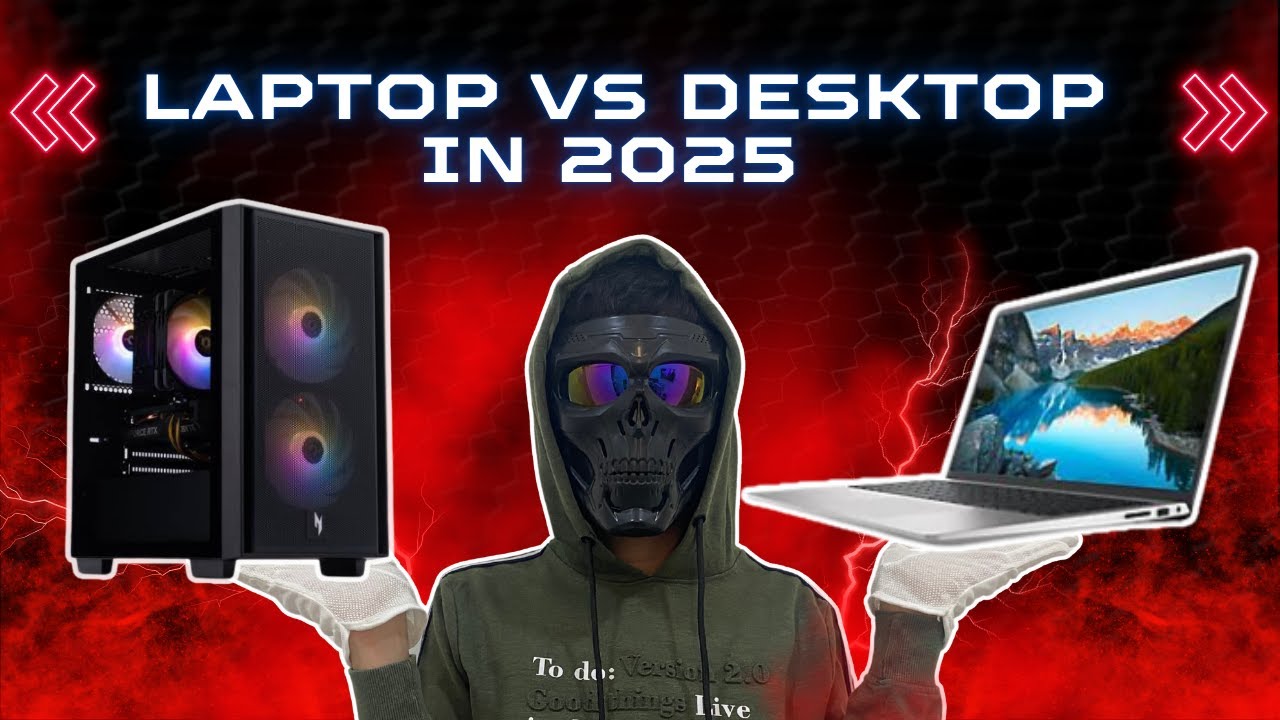

The choice between a gaming laptop and a desktop has become more difficult in recent years. In 2025, laptops have made enormous strides in performance, thermal management, and battery life, while desktops continue to dominate in raw power, upgradeability, and value.
Whether you’re a competitive gamer, a casual player, or someone looking to balance gaming with productivity or school, your ideal system depends on several key factors. This guide breaks down everything you need to know to help you choose between a gaming laptop and a desktop in 2025.
1. Performance: Which One Delivers More Power?
Table of Contents
Gaming Laptops
Gaming laptops today feature high-performance components such as NVIDIA’s RTX 40-series mobile GPUs and AMD’s Ryzen 8000-series or Intel 14th-gen CPUs. Laptops like the ASUS ROG Strix, Razer Blade 16, and Lenovo Legion Pro 7i offer excellent gaming performance and can handle even the most demanding titles like Cyberpunk 2077, Starfield, and Call of Duty: Modern Warfare III at 1080p or 1440p with high settings.
However, laptops must deal with strict power and thermal limits. Mobile versions of GPUs are less powerful than their desktop counterparts, and performance is often throttled under sustained loads due to heat buildup.
Desktops
Desktops remain the top choice for gamers who want maximum performance. Full-sized RTX 4070, 4080, and 4090 cards paired with high-wattage CPUs deliver unbeatable frame rates, especially at higher resolutions like 1440p and 4K. With better airflow, liquid cooling options, and no battery limitations, desktops offer consistent and sustained power across long sessions.
Verdict: Desktops win in raw performance and cooling capacity, particularly for 4K gaming or high-refresh-rate 1440p gaming.
2. Portability: Where Do You Game?
Gaming Laptops
Laptops are inherently portable. Many modern gaming laptops weigh under five pounds and feature slim designs that can fit in a backpack. If you’re a student, traveler, or live in a small space, a gaming laptop allows you to game, work, and browse anywhere. You can game at a café, bring your machine to a friend’s house, or work from your campus library.
Desktops
Desktops are stationary. Even small form factor PCs are cumbersome to move and require a dedicated space, monitor, keyboard, mouse, and power outlet. They are best suited for users with a permanent setup at home.
Verdict: Laptops are the clear winner for portability and flexibility.
3. Upgradeability and Customization
Gaming Laptops
Most gaming laptops allow limited upgrades. You might be able to swap out the SSD or add RAM, but that’s typically the extent of user-accessible customization. The CPU and GPU are soldered or integrated, and you are locked into the thermal design and chassis.
This means your laptop’s long-term viability is limited. Once the specs are outdated, the only upgrade path is buying a new system.
Desktops
Desktops are built for customization and upgrades. You can replace the graphics card, add more RAM or storage, upgrade your CPU, or even install a better cooling system. This makes desktops more future-proof and cost-effective over time.
Verdict: Desktops offer superior upgrade options and longer life spans.
4. Price-to-Performance Ratio
Gaming Laptops
Laptops pack impressive technology into a compact form, but this convenience comes at a cost. Gaming laptops with an RTX 4070 mobile GPU often cost $1,700 or more. Their performance is closer to a desktop with an RTX 4060 or lower, despite the higher price.
You’re essentially paying more for portability and integration.
Desktops
Desktops typically offer better performance per dollar. A custom-built or prebuilt system at $1,500 could include an RTX 4070 desktop GPU, a powerful CPU, and superior cooling, all while delivering higher frame rates and better performance in demanding games.
Verdict: Desktops provide more value for the money when comparing performance alone.
5. Display Quality and Peripherals
Gaming Laptops
Laptops come with built-in screens, usually ranging from 15 to 17 inches. High-end models offer 120Hz or 240Hz refresh rates and QHD or even 4K resolution. However, screen size is limited, and the keyboard and touchpad, while serviceable, are rarely ideal for long gaming sessions.
Desktops
Desktops allow users to choose their own monitor, keyboard, mouse, and speakers. This gives you the flexibility to buy a large 32-inch display, a mechanical keyboard, and a high-end mouse tailored to your preferences. Multi-monitor setups are also more common and easier to implement.
Verdict: Desktops offer more flexibility and customization when it comes to peripherals and displays.
6. Cooling and Noise
Gaming Laptops
Compact components and thin chassis designs create a challenge for laptops. Under load, fans can become loud, and thermal throttling may reduce performance during extended gaming or rendering sessions.
Manufacturers have improved laptop cooling systems in recent years with vapor chambers, liquid metal, and dual-fan designs. Still, laptops remain limited by their size.
Desktops
Desktops have the advantage of size. More airflow, larger heatsinks, and customizable fan layouts mean quieter and more efficient cooling. High-performance systems can remain cool and quiet, even during marathon gaming sessions or while rendering 3D content.
Verdict: Desktops offer better thermals, less fan noise, and sustained performance.
7. Power Consumption and Battery Life
Gaming Laptops
Gaming laptops are far more energy-efficient when running on battery for non-gaming tasks like web browsing or video streaming. However, battery life plummets under heavy gaming. Even with large 90Wh batteries, gaming laptops typically last only one to two hours during high-performance gameplay.
Most serious gaming on laptops still requires plugging into a power source.
Desktops
Desktops consume more power, especially those with high-end GPUs. Under full load, a gaming desktop might draw 500 to 1000 watts, which increases electricity bills and produces more heat.
Verdict: Laptops are more energy-efficient for everyday use but still require AC power for gaming. Desktops consume more power overall.
8. Use Case Scenarios: Which One Is Right for You?
Choose a Gaming Laptop If:
-
You travel frequently or need to move between home, work, and school
-
You want an all-in-one machine for gaming, work, and study
-
You have limited space or live in a shared environment
-
You prefer convenience over customization
Choose a Gaming Desktop If:
-
You prioritize performance and want to play at ultra settings or 4K
-
You plan to upgrade components over time
-
You want the best value for your money
-
You have a dedicated gaming setup or home office

Conclusion: Which One Should You Buy in 2025?
Both gaming laptops and desktops have their strengths. In 2025, laptops are more powerful, thinner, and capable than ever, allowing you to play modern titles and multitask on the go. Meanwhile, desktops continue to offer unmatched performance, longevity, and customization at better value.
If mobility, convenience, and space-saving design are your top priorities, a gaming laptop is the better choice. On the other hand, if you want maximum performance, long-term upgrade potential, and the best price-to-performance ratio, a desktop remains the superior option.
Evaluate your lifestyle, gaming habits, and long-term goals. With technology evolving rapidly, both platforms offer impressive capabilities—it’s just a matter of picking the one that best fits how and where you game.