
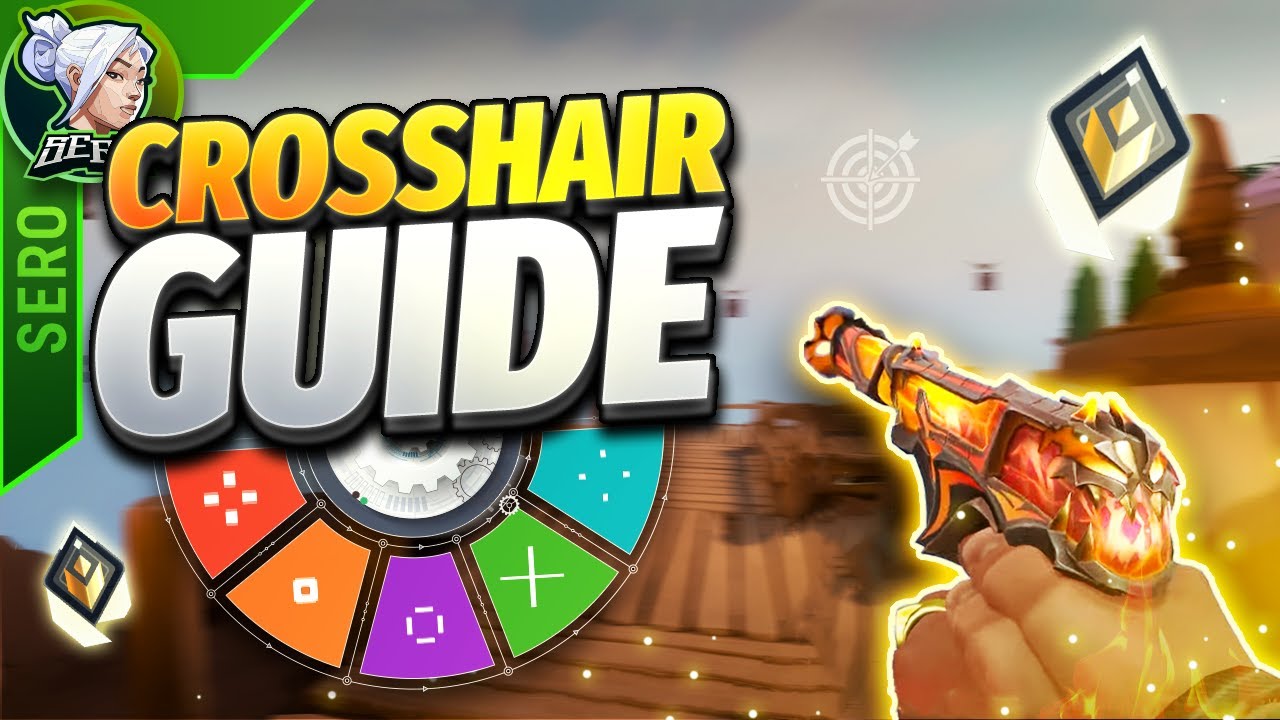

In the world of competitive first-person shooters (FPS), every small detail can influence your performance—your aim, movement, reaction time, and settings all matter. One often overlooked yet critically important aspect is your crosshair settings. The crosshair is your primary aiming tool; it’s always visible and directly affects how accurately and confidently you can land your shots.
While many new players rely on default settings, customizing your crosshair can lead to noticeable improvements in aim precision, target tracking, and overall gameplay comfort. This guide will walk you through everything you need to know about crosshair settings in FPS games—from the basics to pro-level tips—so you can build the perfect crosshair for your playstyle.
Why Crosshair Settings Matter
Table of Contents
Your crosshair acts as your visual anchor for aiming. A poorly configured crosshair can be distracting, hard to track, or obstructive—especially in chaotic combat situations. A well-optimized crosshair, on the other hand, blends seamlessly with your reflexes, helping you consistently hit headshots and track moving targets.
Here’s why your crosshair matters:
-
Precision: A sharp, clear crosshair improves shot placement.
-
Focus: An unobtrusive design helps you focus on the target rather than the crosshair.
-
Consistency: A consistent crosshair builds muscle memory and aiming confidence.
-
Adaptability: Some games and roles require different crosshair styles (e.g., snipers vs. entry fraggers).
Key Crosshair Customization Options
Most modern FPS games offer a range of customization options. Let’s break down the main settings you’ll encounter and how each one affects performance.
1. Color
Color is crucial for visibility. Choose a color that contrasts well with the game environment.
-
Bright Colors: Cyan, bright green, or magenta are popular because they rarely blend into backgrounds.
-
Avoid Neutral Colors: White, black, or red often blend into maps or visual effects.
Many pros choose neon green or cyan for consistent visibility.
2. Thickness
Crosshair thickness refers to how wide each line or dot appears.
-
Thin lines allow for precise aiming but may become hard to see.
-
Thicker lines increase visibility but may obscure small targets.
Recommendation: Start with medium thickness and adjust based on visibility. A good rule is to go as thin as possible without losing visibility during fast movement or bright effects.
3. Length
This controls how far the crosshair lines extend from the center.
-
Short lines: Good for headshot accuracy and minimal distraction.
-
Longer lines: Better for tracking movement but may reduce precision.
Balanced length offers the best of both worlds. For headshot-focused games like Valorant or CS2, shorter lengths are preferred.
4. Center Gap
The center gap is the space between crosshair lines at the center.
-
Small gaps are ideal for precision aiming at small targets.
-
Large gaps provide better visibility but reduce centering accuracy.
Your gap should be small enough to center your shots, but not so tight that it clutters the target area.
5. Outline or Border
Outlines can make your crosshair more visible against bright or dynamic backgrounds.
-
Enabled outlines help prevent the crosshair from blending into surroundings.
-
Outline thickness should be subtle—not overpowering the crosshair itself.
Use a black outline with thin width (1-2px) for enhanced clarity.
6. Dynamic vs. Static Crosshairs
Some games allow your crosshair to change based on movement, firing, or actions.
-
Dynamic crosshairs expand when you move or shoot, showing accuracy loss.
-
Static crosshairs remain fixed regardless of movement.
Static crosshairs are preferred in competitive play because they offer consistency. Dynamic crosshairs are useful for beginners to learn how movement affects accuracy but may be distracting at higher skill levels.
7. Crosshair Dot
Some players prefer a center dot instead of—or in addition to—crosshair lines.
-
Dot-only crosshairs can be excellent for flick shots and headshots.
-
Dot + cross setups give more context for tracking movement and spray control.
Try both and see which feels more intuitive.
Game-Specific Crosshair Tips
Let’s look at how crosshair settings vary across popular FPS titles:
Valorant
-
Recommended Settings:
-
Color: Cyan or Green
-
Inner Lines: On (Length: 4-6, Thickness: 2)
-
Outer Lines: Off
-
Movement/Firing Error: Off
-
Center Dot: Optional
-
-
Pro Tip: Use a minimalistic crosshair for head-level aiming; turn off dynamic settings for consistency.
CS2 (Counter-Strike 2)
-
Recommended Settings:
-
Style: Classic Static (
cl_crosshairstyle 4) -
Color: Custom (e.g., bright green or yellow)
-
Size: 2-5
-
Gap: -2 to 1
-
Thickness: 1-2
-
Center Dot: Optional
-
-
Console Command: Use
cl_crosshaircolor,cl_crosshairsize,cl_crosshairgap, etc., to fine-tune settings.
Apex Legends
-
Apex uses a default static crosshair for most weapons.
-
Custom crosshair colors are available through settings or config files.
-
ADS (aim-down-sights) replaces your crosshair with scopes, so focus more on hip-fire visibility.
Overwatch 2
-
Use Reticle Type: Crosshairs or Dot for hitscan heroes (like Soldier 76, Cassidy).
-
Adjust thickness and length depending on screen resolution and visual clutter.
-
For projectile heroes, choose a larger reticle to assist with leading shots.
How to Choose the Right Crosshair
There’s no one-size-fits-all setting, but here’s a framework for dialing in your ideal crosshair:
Step 1: Prioritize Visibility
Your crosshair should be easy to see in all conditions. Test it on bright, dark, and chaotic parts of the map. If it disappears or becomes hard to track, change the color or enable outlines.
Step 2: Aim for Precision
The center should help you line up shots clearly. A big crosshair might obscure enemies at range, while a too-small one may be hard to track. Adjust the gap and length accordingly.
Step 3: Tune for Comfort
Try different styles until you find one that feels natural. Don’t blindly copy pro settings—they’re optimized for that player’s habits and monitor setup.
Step 4: Build Muscle Memory
Once you settle on a crosshair, stick with it. Constantly changing your settings can disrupt your ability to build consistent muscle memory.
Advanced Tips and Tricks
1. Use Practice Ranges
Games like Valorant and CS2 offer aim trainers and practice maps. Use these to test crosshair visibility across various scenarios (targets at range, moving enemies, headshot training).
2. Watch Pro Players
Observe how pro players use their crosshairs—how much space they leave, how thick the lines are, and what colors they choose. It can inspire your own setup.
3. Record and Review Gameplay
Record your gameplay and pay attention to moments where your crosshair:
-
Disappeared against the environment
-
Blocked a target’s head
-
Distracted you while aiming
Then, tweak your settings accordingly.
4. Experiment With Transparency
Some games let you adjust crosshair alpha (opacity). A slightly transparent crosshair can be less distracting, especially when spraying or tracking targets up close.

Final Thoughts
Crosshair settings are a personal choice, but they have a big impact on your ability to aim consistently and confidently. By understanding the different customization options—and testing what works best for your eye, screen, and style—you can create a crosshair that truly enhances your gameplay.
Summary Checklist:
-
Choose a high-contrast color
-
Adjust thickness and length for visibility and precision
-
Set a comfortable center gap
-
Decide between static or dynamic based on skill level
-
Use a center dot only if it helps your aim
-
Test thoroughly in training maps and real matches
-
Stick with a setting once it feels right to build muscle memory
A good crosshair doesn’t win games by itself—but it gives you a clearer path to success. Start optimizing today, and you’ll see improvements not just in your aim, but in your confidence and consistency across every match.